01
Get paid at the door
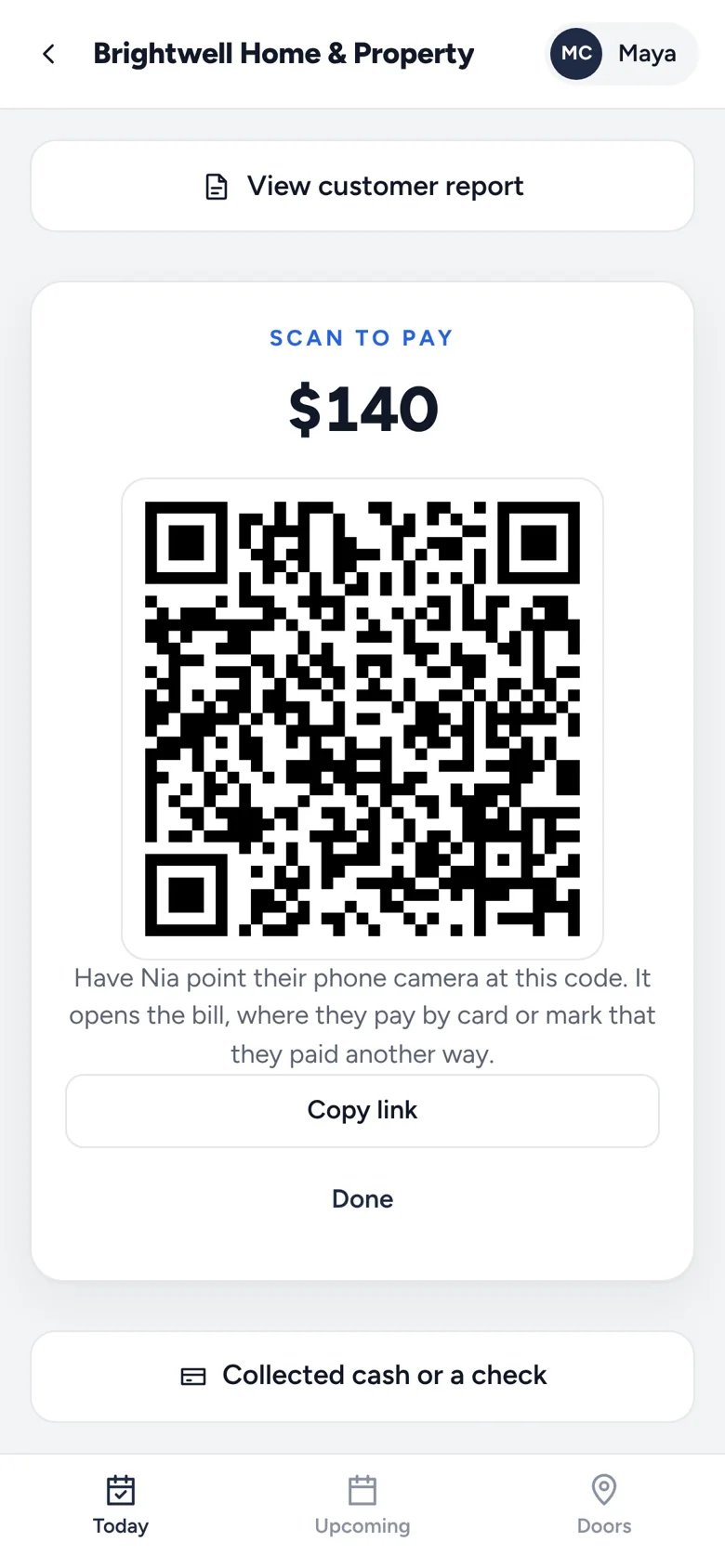
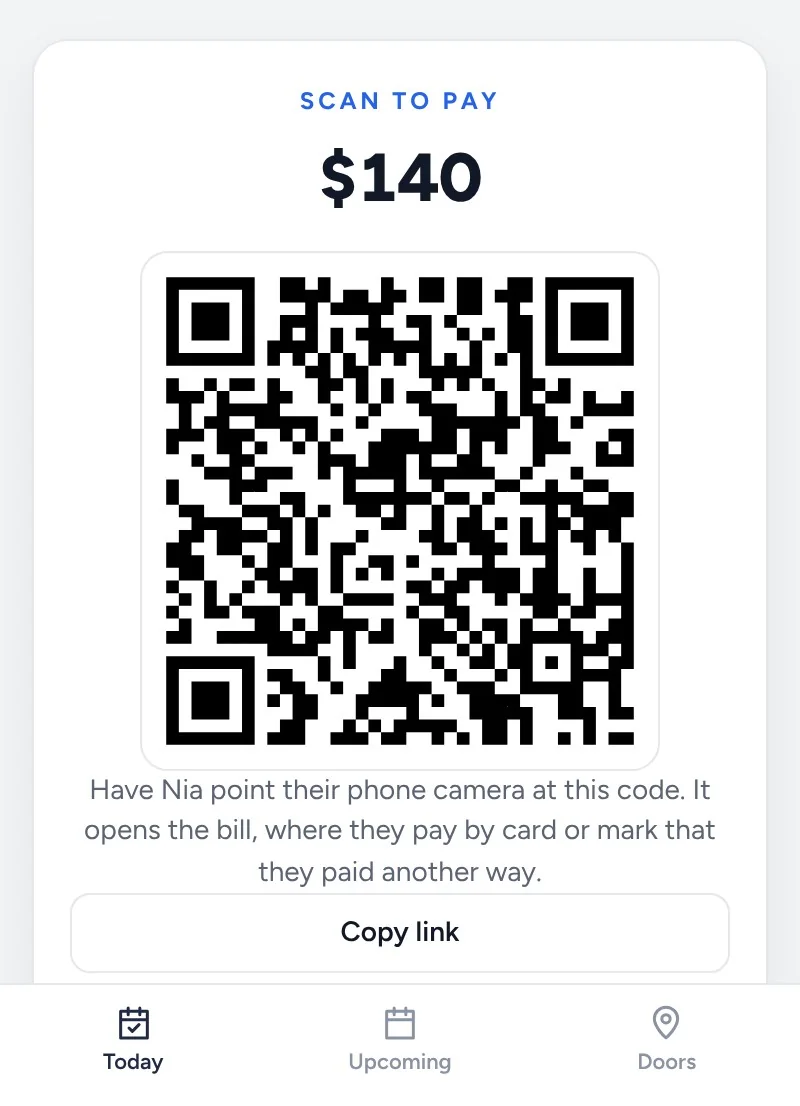
Tap Get paid now in the Field app. The customer points their phone camera at the code and pays by card on their own phone.
Getting paid
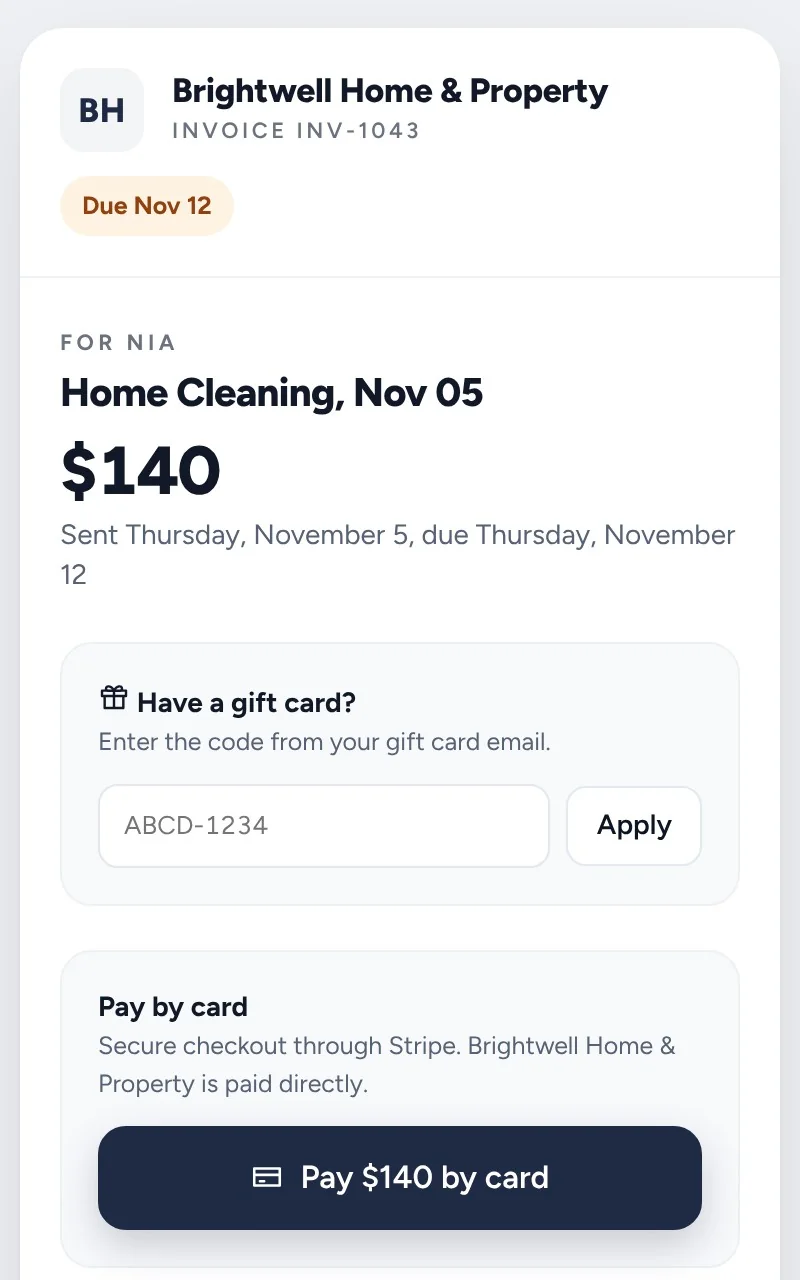
Customers pay by card through Stripe, straight to your own account, or tell you they paid another way and you confirm it.
14 days free. No card needed.
The bill is ready, and your crew can show a code at the door.
By card through Stripe, or Venmo, Zelle, Cash App, cash or check, paid to you directly.
Reminders go out on their own, and you confirm the payments made outside of cards.
Tap Get paid now in the Field app. The customer points their phone camera at the code and pays by card on their own phone.
If a customer owes more than one bill, they can pay everything at once. Add tips if you turn them on.
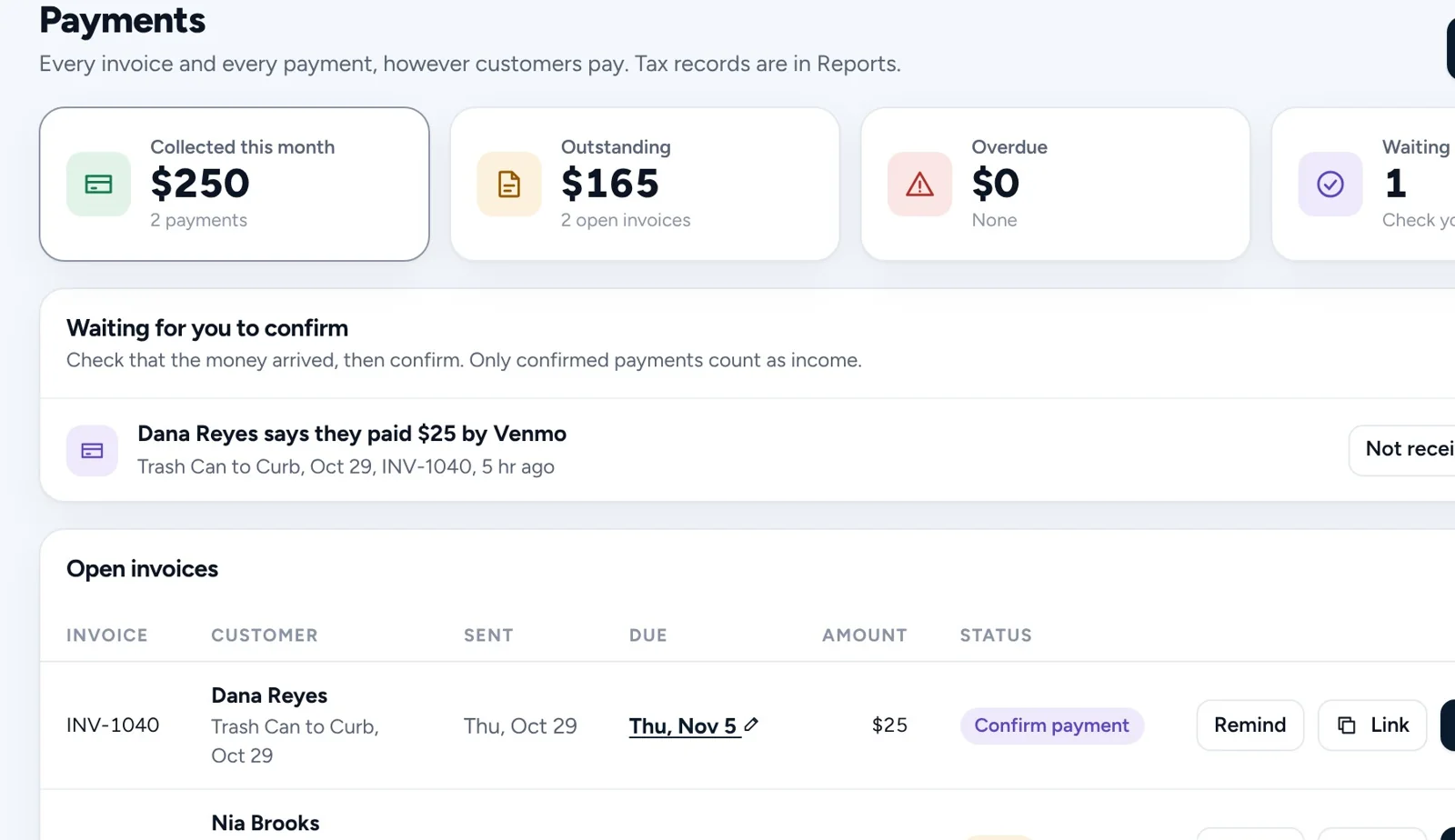
Card payments show up on their own. When a customer says they paid by Venmo, Zelle, Cash App, cash or check, it waits for you to confirm.
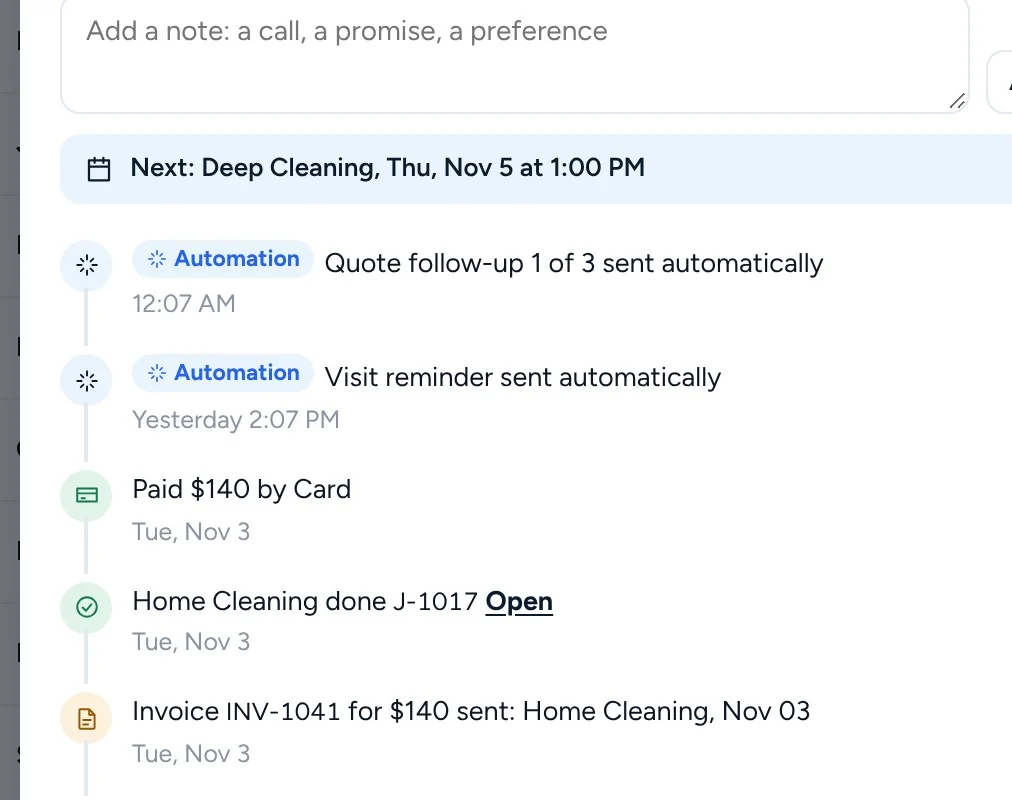
Bills sent, reminders and payments, in order on the customer, so you know where things stand before you call.
Straight to your own Stripe account. Homestone never holds your money.
No. They pay from the link in their email or the code your crew shows them.
Yes. Show the ways you take money on your bills. When a customer says they paid, you confirm it, and only confirmed payments count as income.
Get started
Every business on Homestone starts the same way: one page, one link, one first booking. Set it up yourself from your phone, or with us on a call.
14 days free on every plan. No card needed.