01
Each one, in plain words
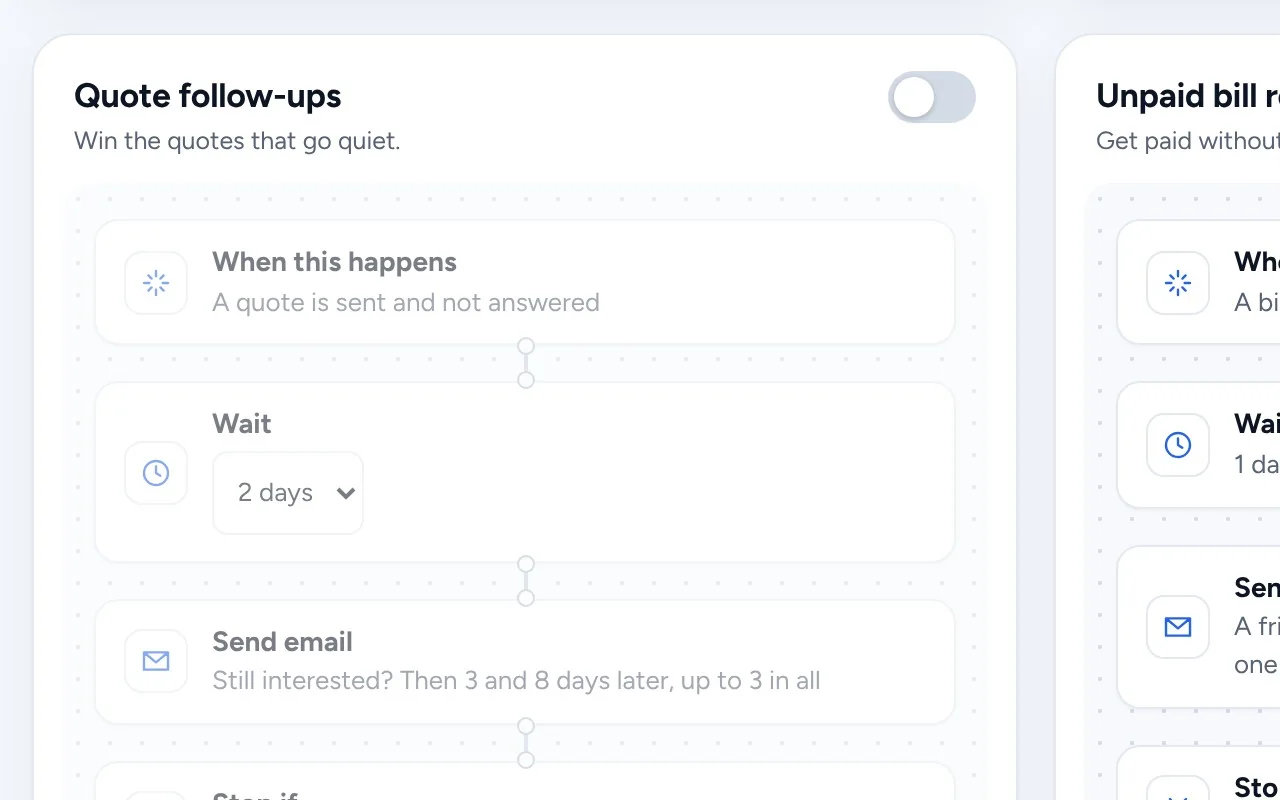
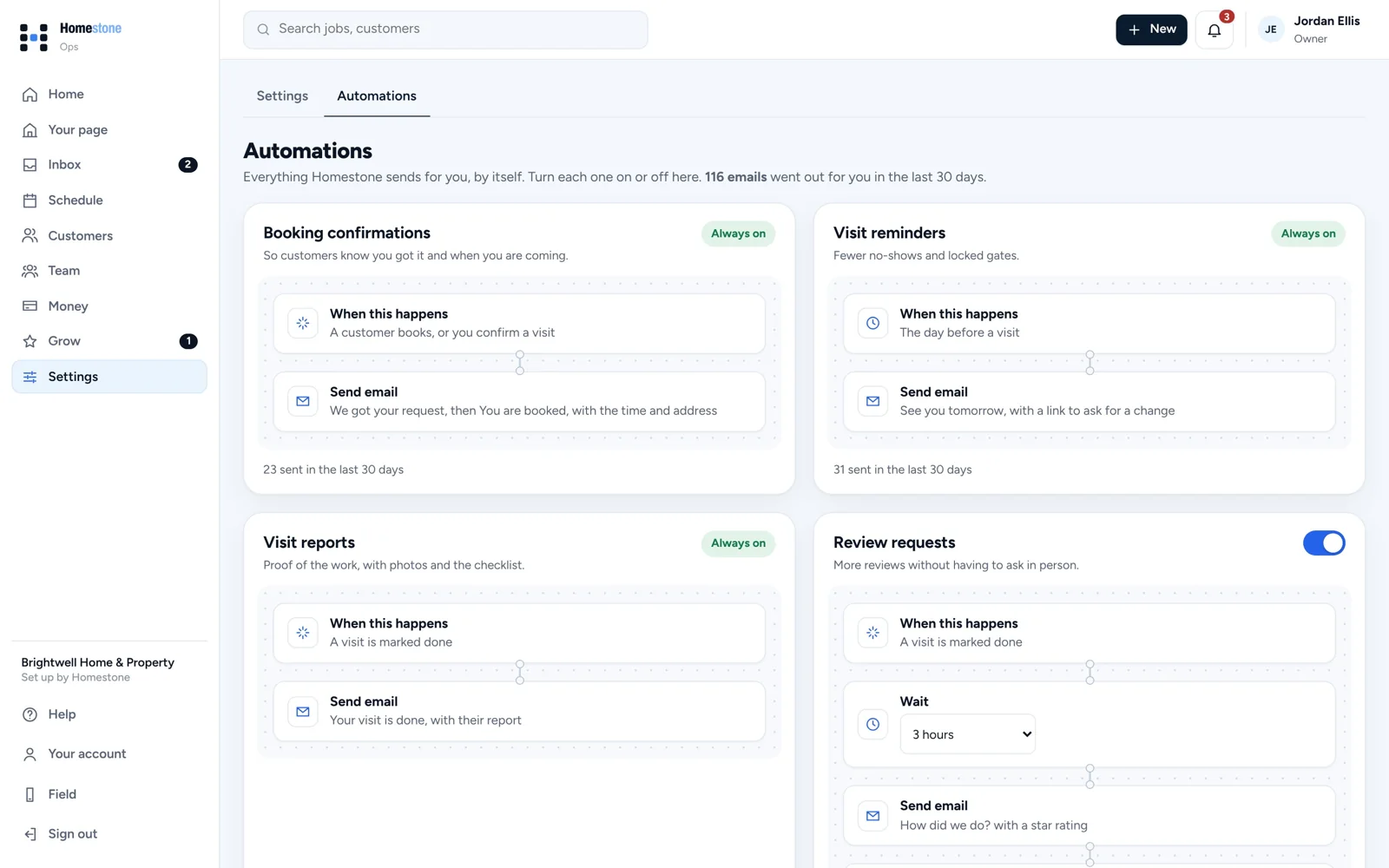
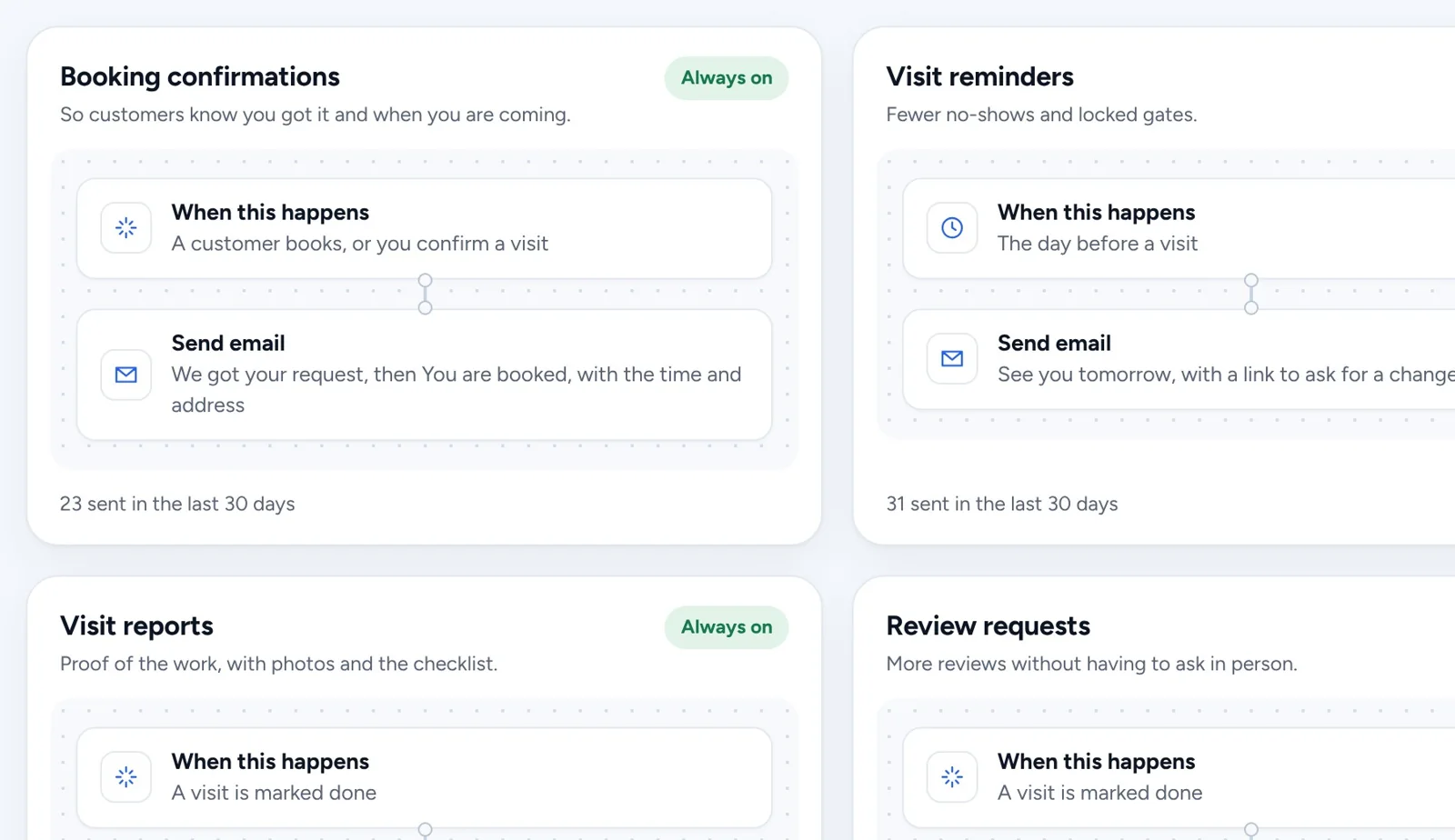
When this happens, wait, then send. Every automation shows how many went out for you in the last 30 days.
Automations
Booking confirmations, visit reminders, visit reports, review requests, quote follow-ups and bill reminders go out by email on their own. Turn each one on once.
14 days free. No card needed.
A customer books, a visit is tomorrow, a quote goes quiet or a bill is late.
As long as you set: a few hours, a day, or a few days.
From your business, with the right link, and it shows on the customer.
When this happens, wait, then send. Every automation shows how many went out for you in the last 30 days.
Up to three friendly follow-ups on an unanswered quote, a few days apart. They stop once the customer answers.
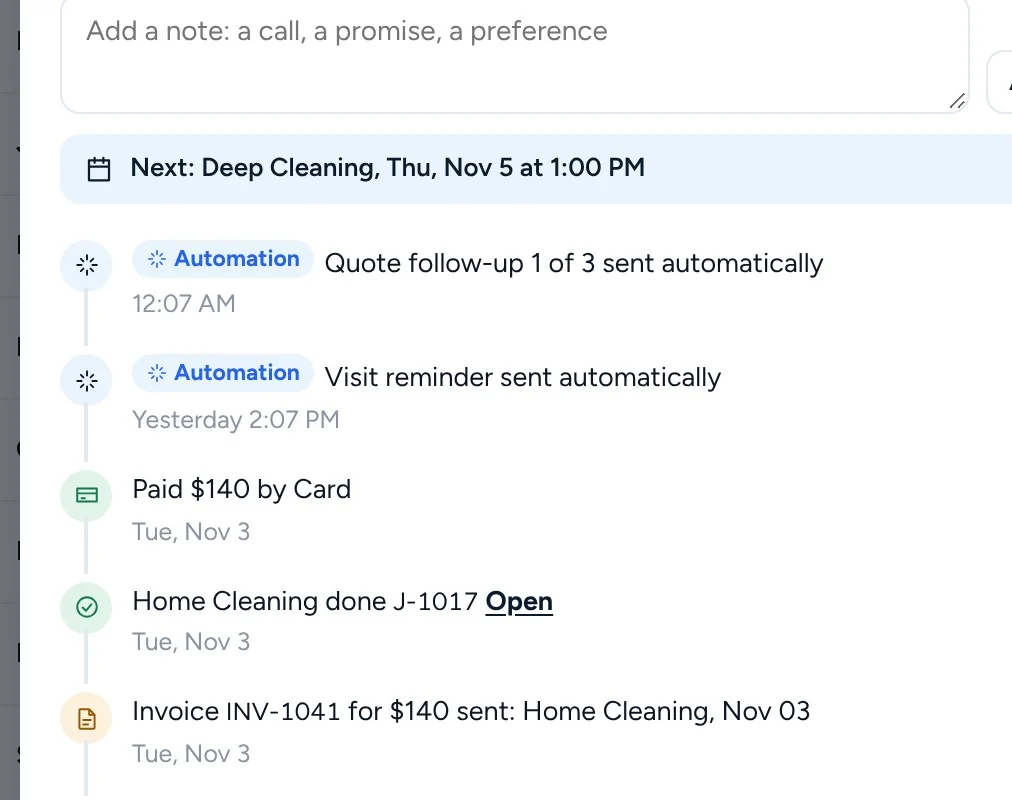
Anything Homestone sent on its own shows on the customer, marked Automation, so you know what they already heard.
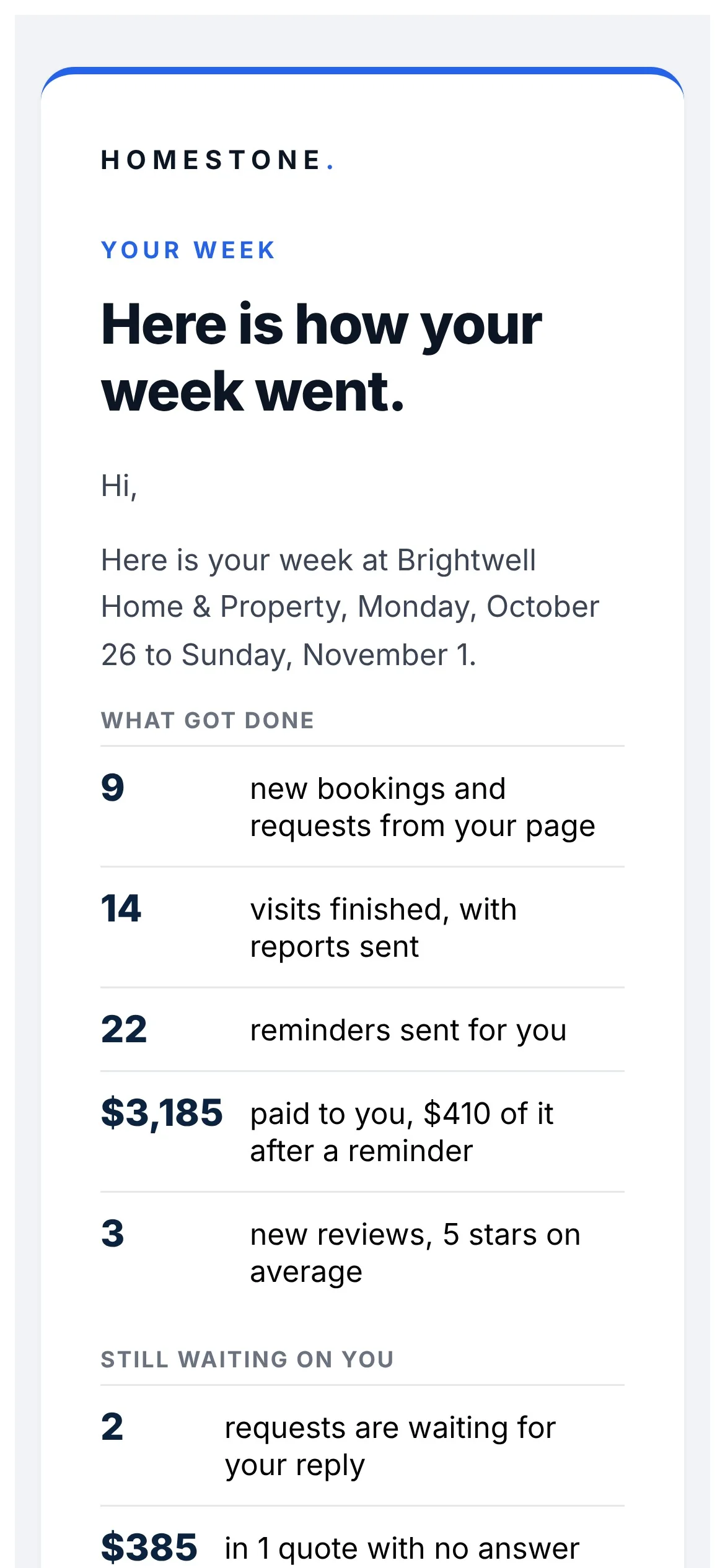
Every Monday: what got done, what came in, and what is still waiting on you.
From your business name, with replies going to you.
Yes. Each automation has its own switch, all on one page.
Each one only goes out when its moment happens, and quote follow-ups stop at three or as soon as the customer answers.
Get started
Every business on Homestone starts the same way: one page, one link, one first booking. Set it up yourself from your phone, or with us on a call.
14 days free on every plan. No card needed.