01
A page that looks like your business
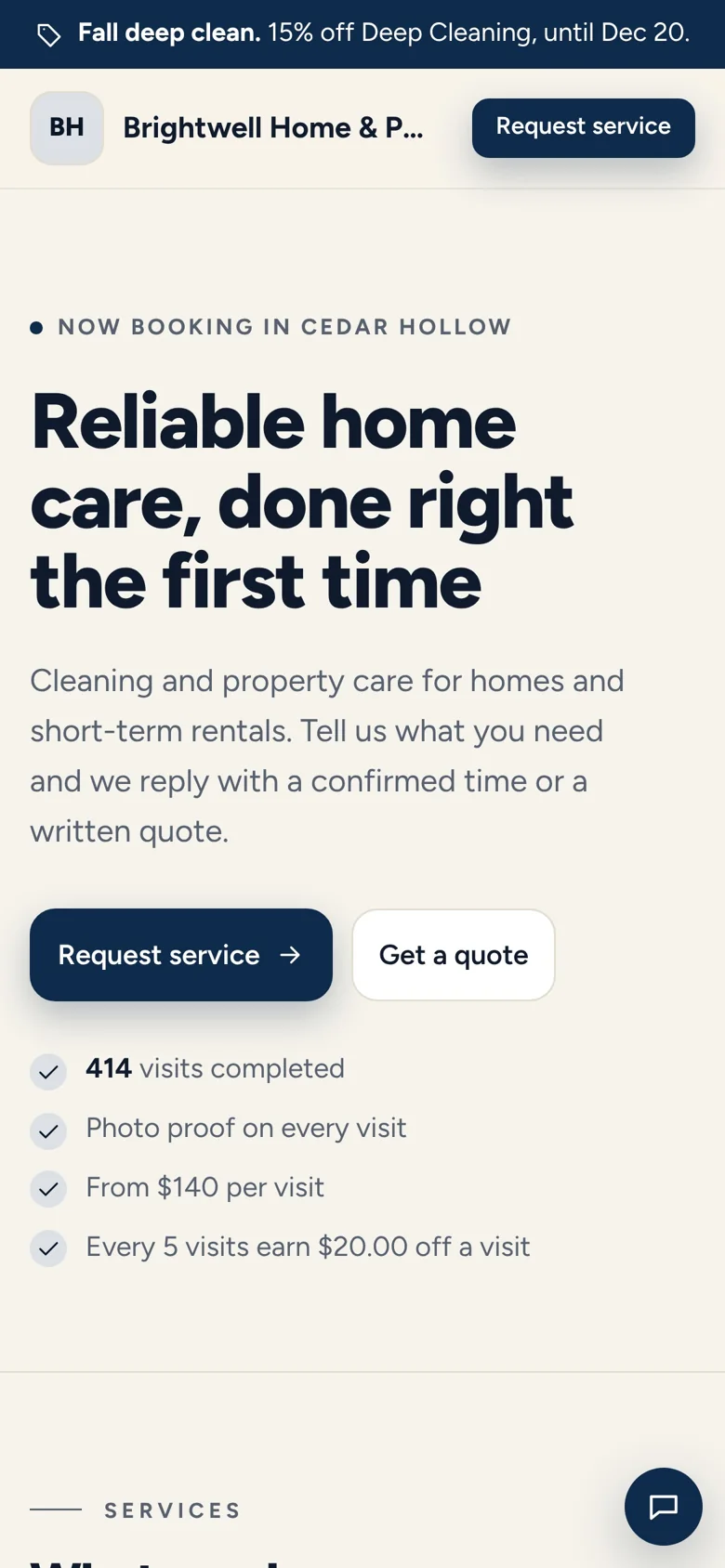
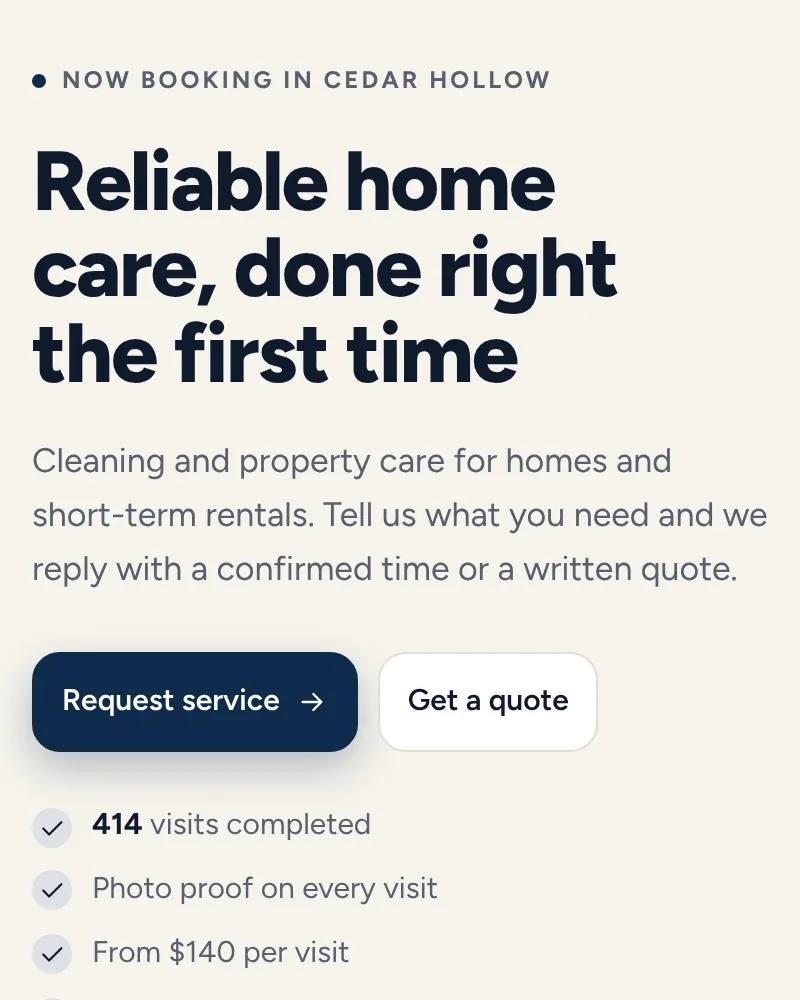
Your logo, services, prices, photos and reviews, in a style that fits your trade. Pick how each service books: choose a time, get a quote, text you or call you.
Booking and requests
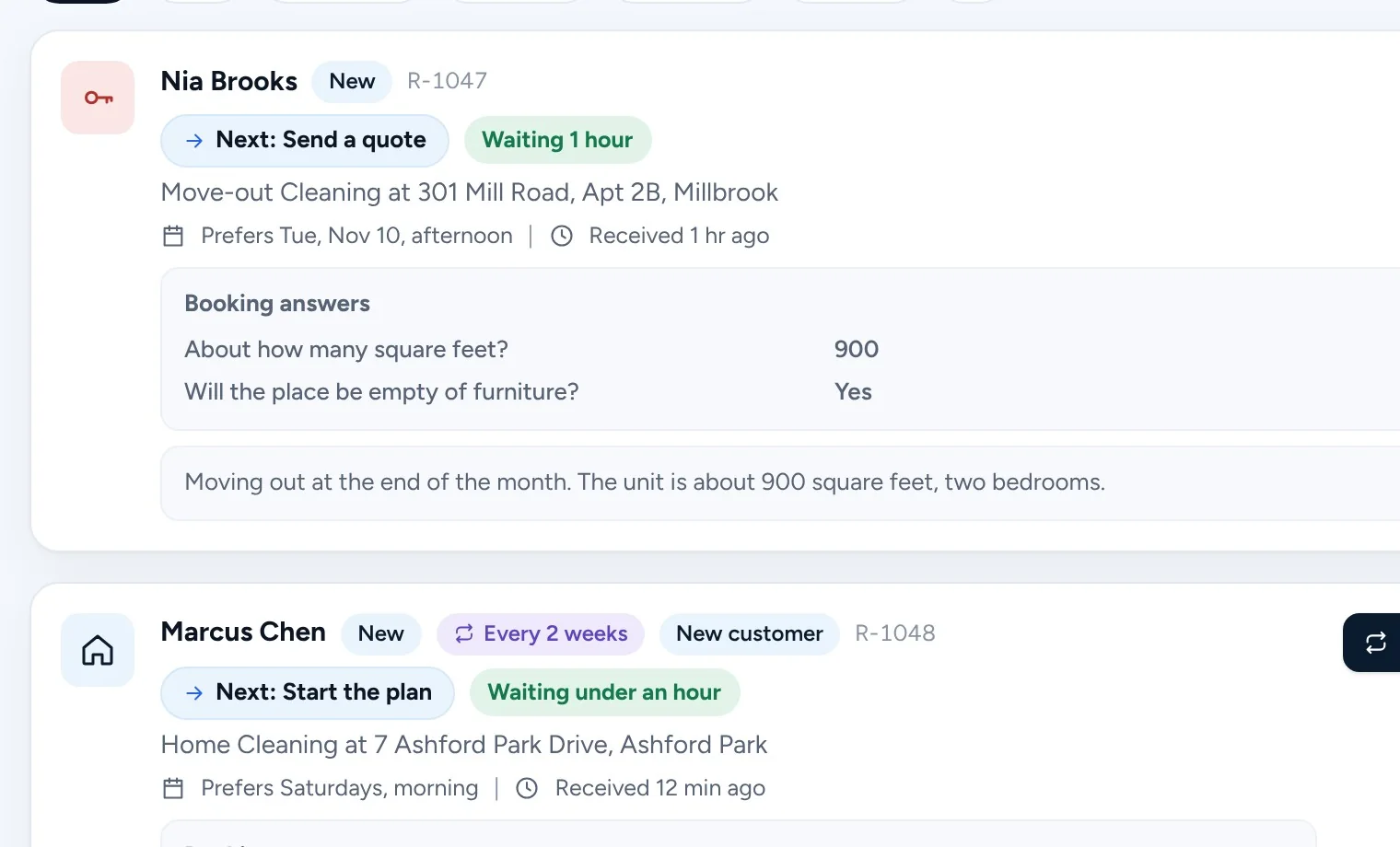
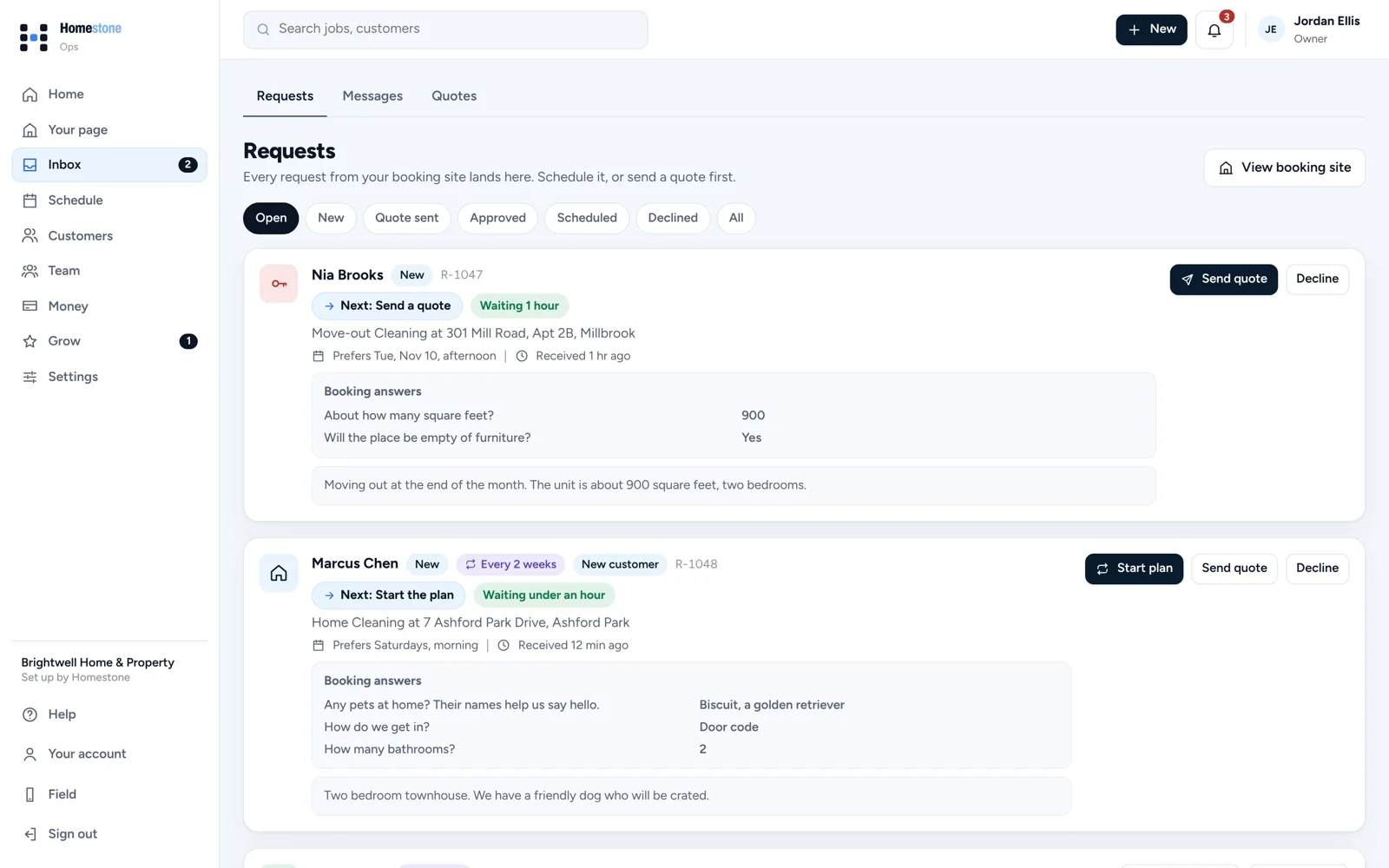
A booking page with your services, prices and photos. Every request lands in one inbox with the answers you asked for, ready to schedule or quote.
14 days free. No card needed.
Put it in your Instagram bio, your Google profile, or print the QR code on flyers and door hangers.
Customers choose a service and a day, or ask for a quote, and answer the questions you set.
One tap puts it on the schedule. Or send a quote they approve from their email.
Your logo, services, prices, photos and reviews, in a style that fits your trade. Pick how each service books: choose a time, get a quote, text you or call you.
Ask how many bathrooms, if there is a dog, or how to get in. The answers come with the request, and each one shows its next step.
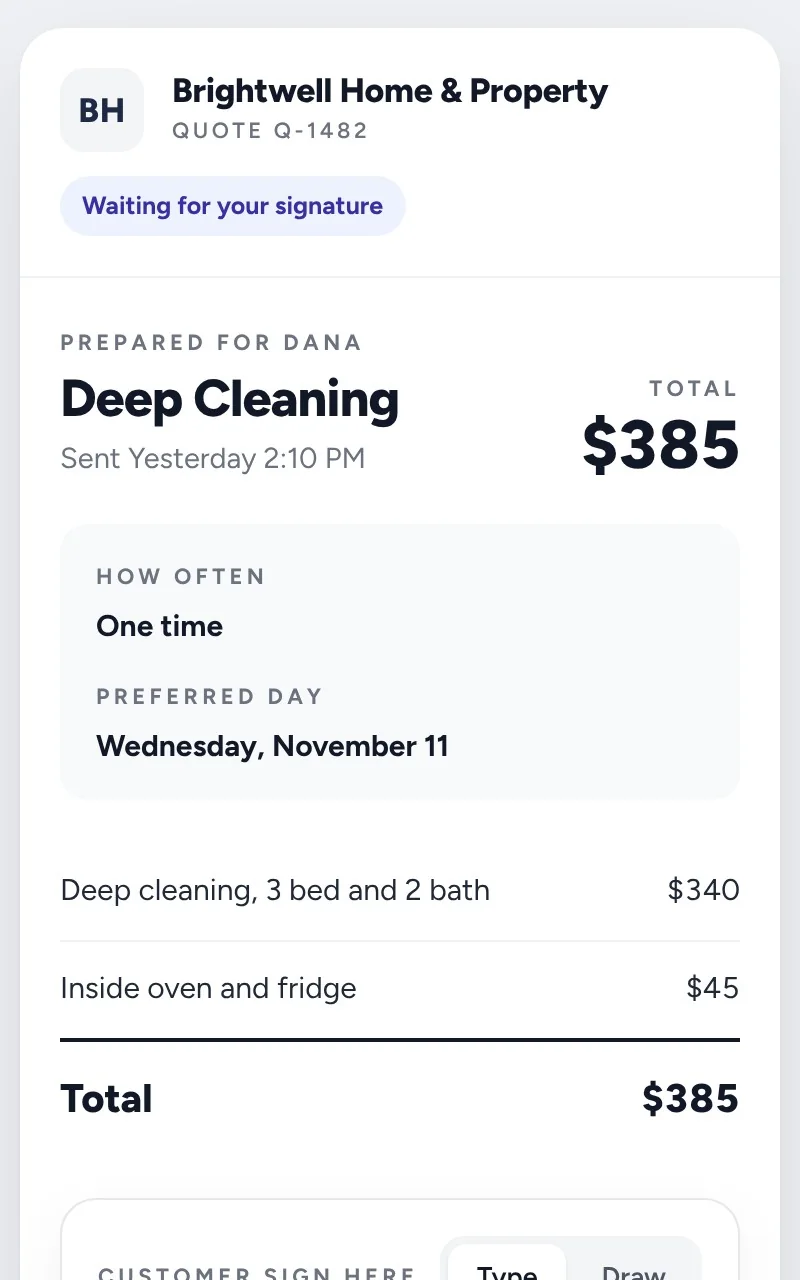
Line items, a total, and a deposit if you ask for one. The customer approves and signs from the email. Quiet quotes get up to three friendly follow-ups.
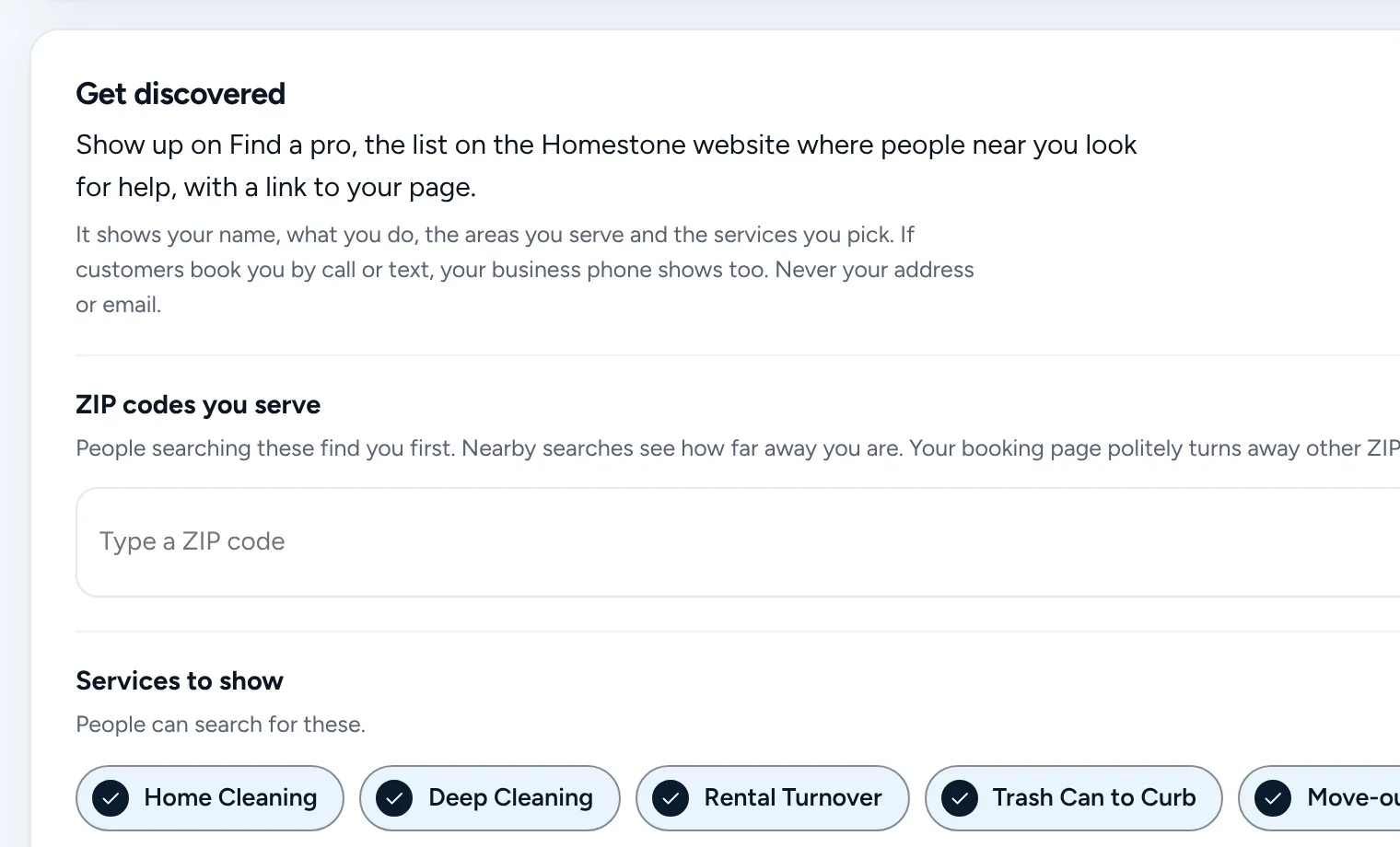
List the ZIP codes you serve. Your page politely turns away the rest, and Find a pro shows you to people searching nearby.
No. Your booking page is your link. Put it in your Instagram bio and Google profile. If you already have a website, link to your page from it.
Yes. Services can be one time or recurring, and recurring visits land on your schedule on their own.
List the ZIP codes you serve in Your page. Your booking page tells people outside them, politely, that you do not serve their area yet.
Get started
Every business on Homestone starts the same way: one page, one link, one first booking. Set it up yourself from your phone, or with us on a call.
14 days free on every plan. No card needed.