Your booking page
Customers ask in one tap, no account needed.
Book more jobs, send quotes, schedule your crews, and get paid, without juggling five apps.
Screens from a sample business
Most service businesses lose money in the gaps between apps, not on the job. One place closes those gaps.
Bookings, quotes, the schedule, your crew and your money, connected so nothing falls through.
Customers ask in one tap, no account needed.
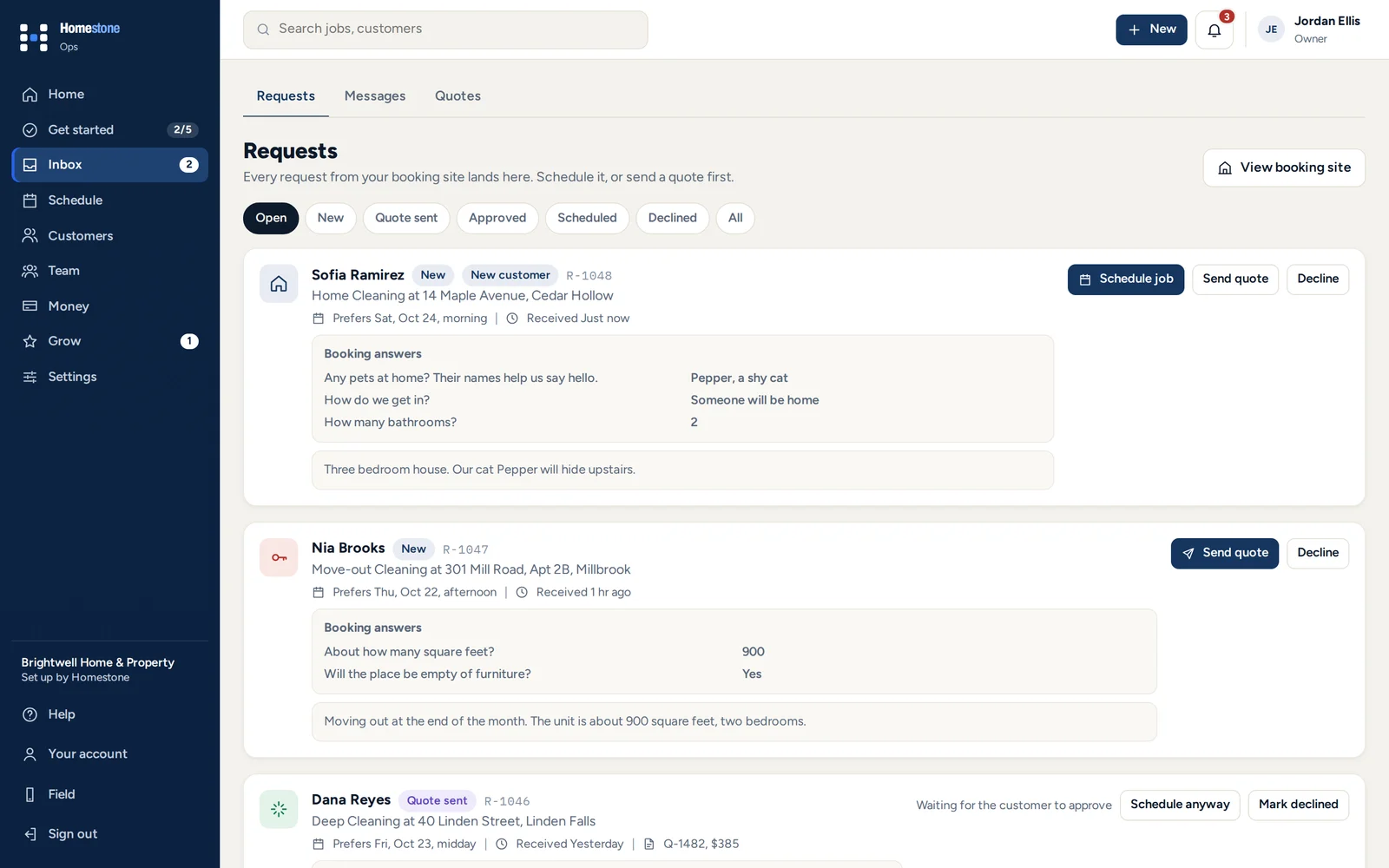
Every request with the service, address and answers, ready to quote or schedule.
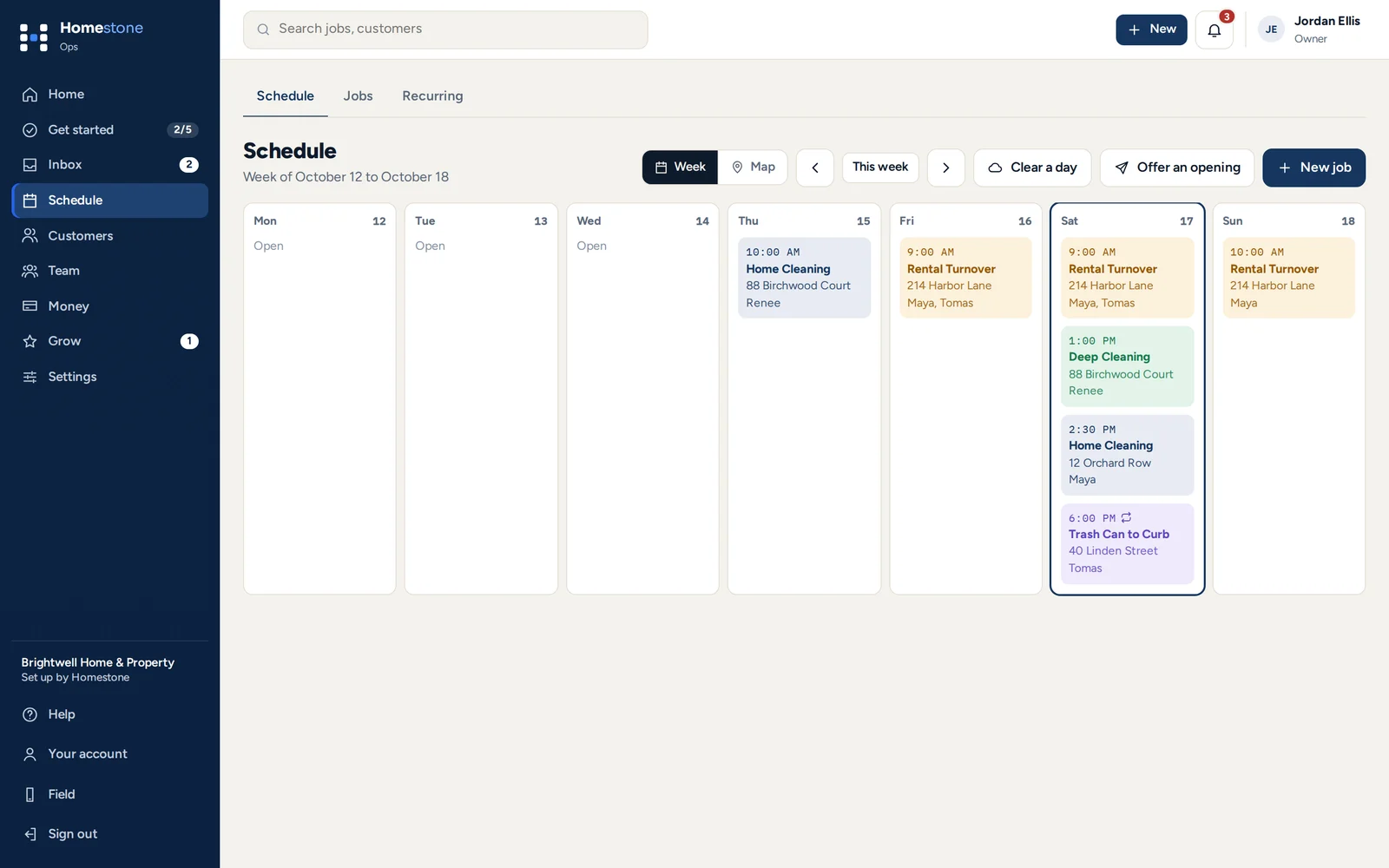
Day, week and team views, with a warning before you double-book.
Firm quotes they sign, or a price range before you see the job.
A link for everything owed. Card, cash, check or app.
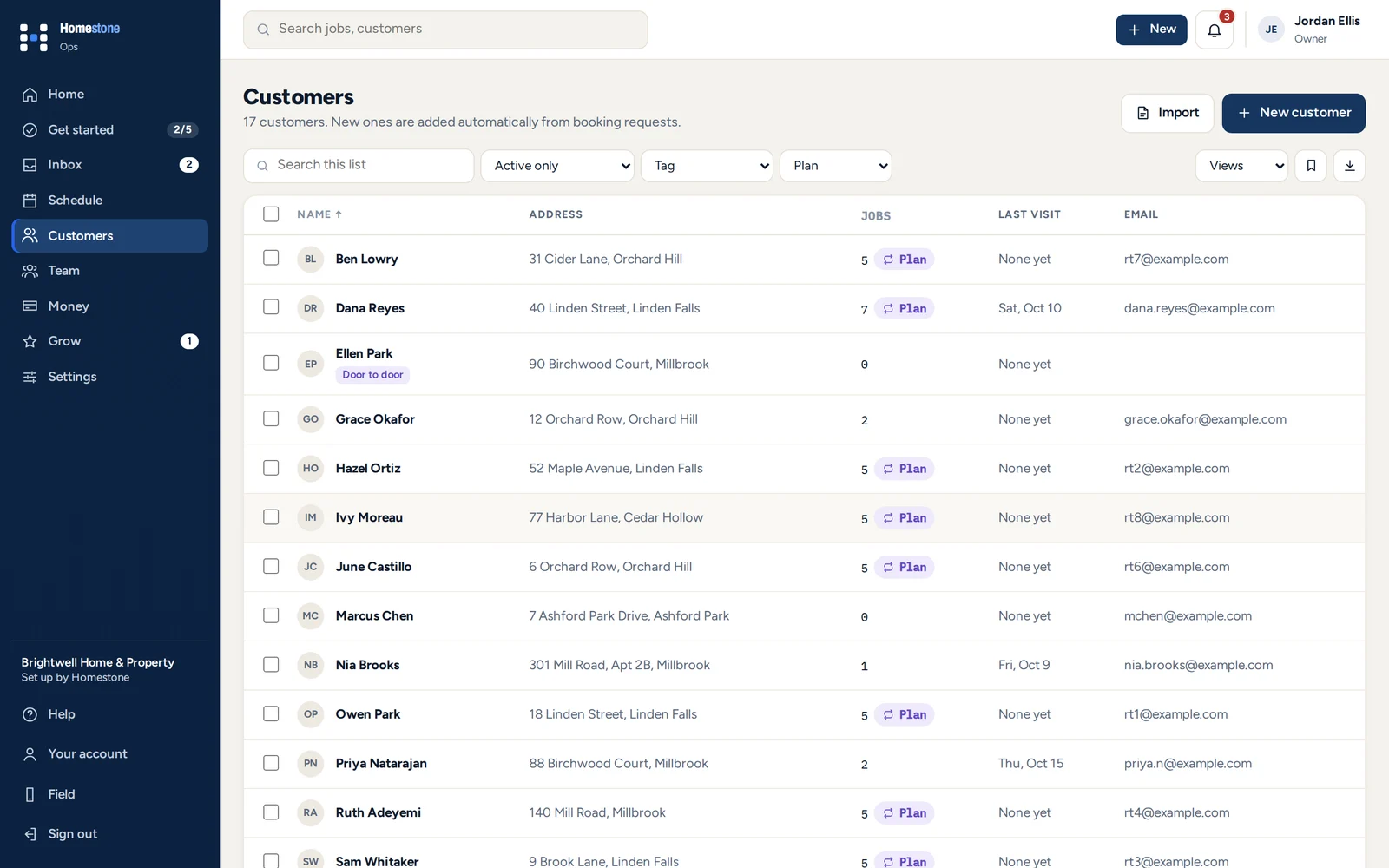
History, notes, properties and every payment on one record.
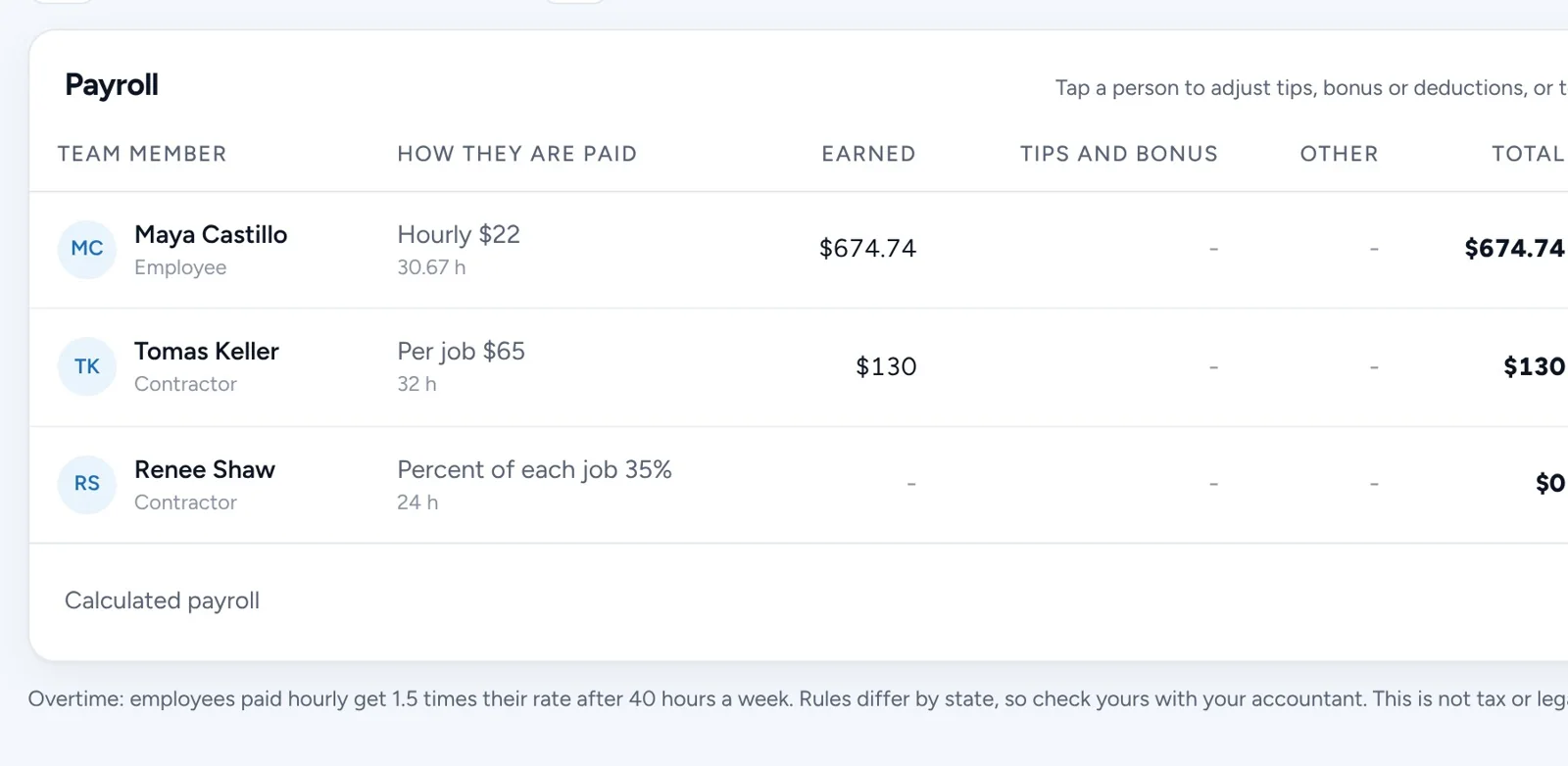
Hours, timesheets and what each person earned.
Four steps every service business runs, for you, your office and your crew.
Your own booking page, ready in an afternoon.
Price it in the office or on site.
The schedule in the office, the day in the crew app.
The money goes straight to you.
No app store. It opens from a link on any phone and keeps working through spotty signal.
Opens from their home screen. In order, with directions and the gate code once the visit starts.
The checklist for that service, ticked or skipped with a reason.
Before and after photos go to the customer's report.
Show a QR code, text the link, or record cash or a check.

"I built Homestone while running Hopkins Help, my garden, pet and home care business. I was tired of juggling texts, spreadsheets and payment apps, so I built one place for bookings, my team and getting paid. Every tool was used on real visits first."
Owners who leave a review get a free week of Homestone, whatever they say.
Only real connections. We add more when they work, not before.
Start with the services, checklists and wording that fit your work. Run more than one? Combine them.
One plan replaces the booking page, the quote follow-ups, the invoicing and the schedule you would otherwise pay for separately. And we never take a cut of your payments.
| What you get | Solo | Team | Business |
|---|---|---|---|
| People on the account | 2 | Up to 10 | Up to 30 |
| Booking page and requests | ✓ | ✓ | ✓ |
| Quotes and estimates, signed on a phone | ✓ | ✓ | ✓ |
| Schedule and the crew app | ✓ | ✓ | ✓ |
| Invoices, card payments and reminders | ✓ | ✓ | ✓ |
| Recurring plans and deposits | ✓ | ✓ | ✓ |
| Team pay and time clock | ✓ | ✓ | ✓ |
| Customers, notes and files | ✓ | ✓ | ✓ |
| A direct line to Homestone | ✓ | ✓ | ✓ |
| Cut of your payments | None | None | None |
| Setup with us, optional | $49 once | $149 once | $249 once |
Every feature is on every plan. Only the number of people changes. Setup with us is free on a yearly plan.

14 days free on every plan, no card needed. Set it up yourself for free, or have us set it up with you for $49, $149 or $249 once, free on a yearly plan.
Anything else? Use the message button on any page and you will hear from a real person.
No. They use your booking page and the links you send to look over estimates, sign quotes, pay and see their visit reports. Only you and your team sign in.
About 20 minutes on your own, from your phone. Or we set it up with you on a call.
Yes. Upload the export from Jobber, Housecall Pro, Square, Google Contacts, QuickBooks or a spreadsheet. Homestone matches the columns, shows a preview and skips duplicates. Weighing it up? See Homestone vs Jobber and Homestone vs Housecall Pro.
By card through your own Stripe account, with the money going to your bank, or however they pay you today. Venmo, Cash App and Zelle go to you as usual, and you confirm them in Homestone.
It runs in the browser on any phone, tablet or computer. Add it to your home screen and it opens like an app. The crew app keeps working through spotty signal.
No. Card payments go through your own Stripe account and Stripe charges its standard fees. Venmo, Cash App, Zelle and cash go straight to you.
Each business only sees its own data, and each person only sees what fits their role. Card numbers go to Stripe and are never stored by Homestone. You can download all your data anytime.
Set up in about 20 minutes, from your phone. 14 days free, no card and no setup fee. Help from a real person whenever you ask.
After 14 days, add a card in Settings to keep going on your plan. We take these cards, through Stripe:
We build it with you on a call: your services and prices entered, your page made to look like you, and your team invited. You leave the call ready to take bookings.
Pick a time, then pay the one-time setup fee to hold your spot.
14 days free from your setup day, and your plan only starts after that. The setup fee is refunded if you cancel before the call.
Prefer email? Write to [email protected], or send a message on Instagram or LinkedIn.
Nothing is charged today. You can change your plan any time during the trial.
Start my free trialHomestone will reach out the way you picked to set a time for your setup call. A confirmation is on its way to your inbox.
We emailed your receipt with the gift code. If you added their email, they have it too.